01
Group by site structure
Let users reflect the way their website is already organized: blog, products, languages, or markets.
A focused way for SEO teams to separate blog, product, and localized page performance—without repeatedly filtering a large keyword list.
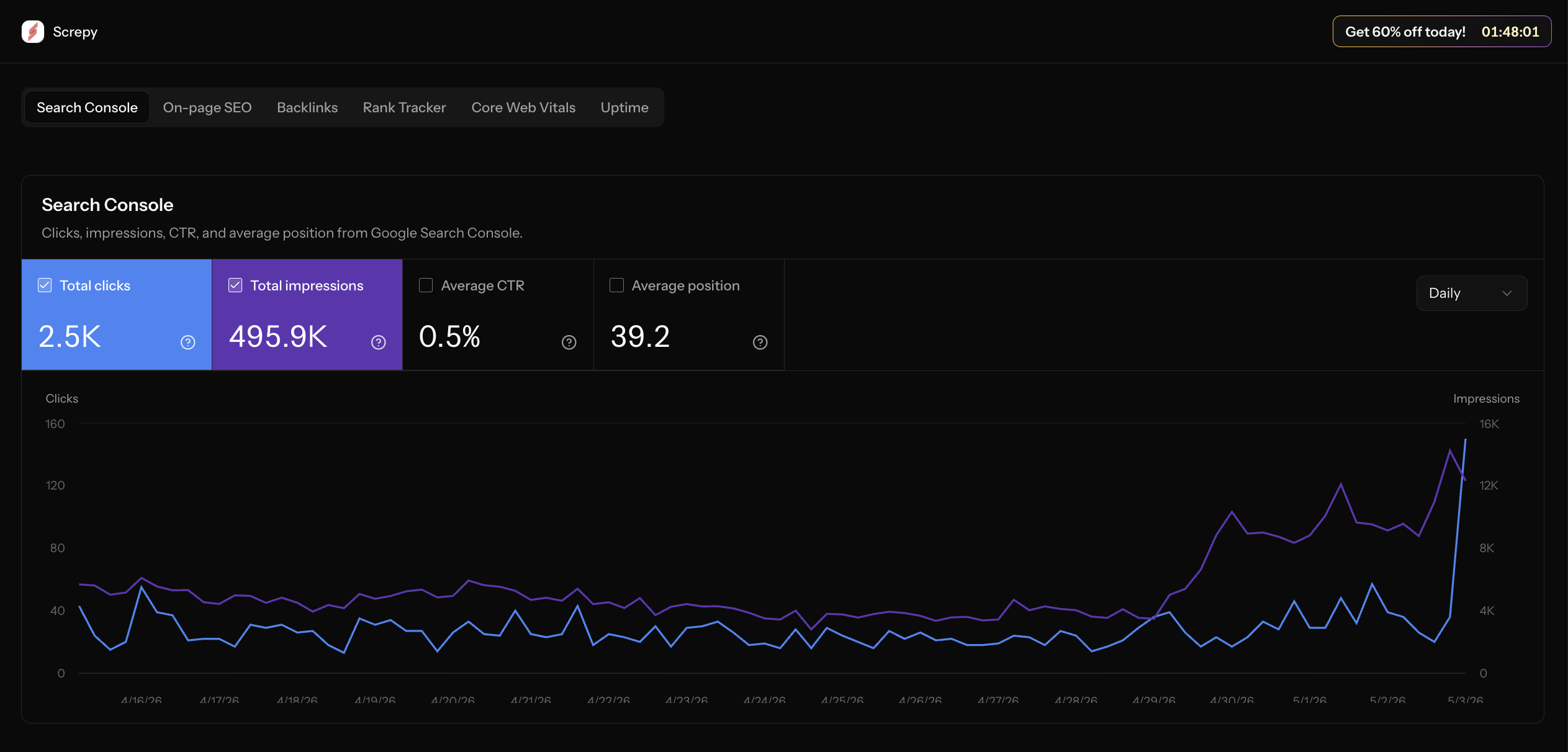
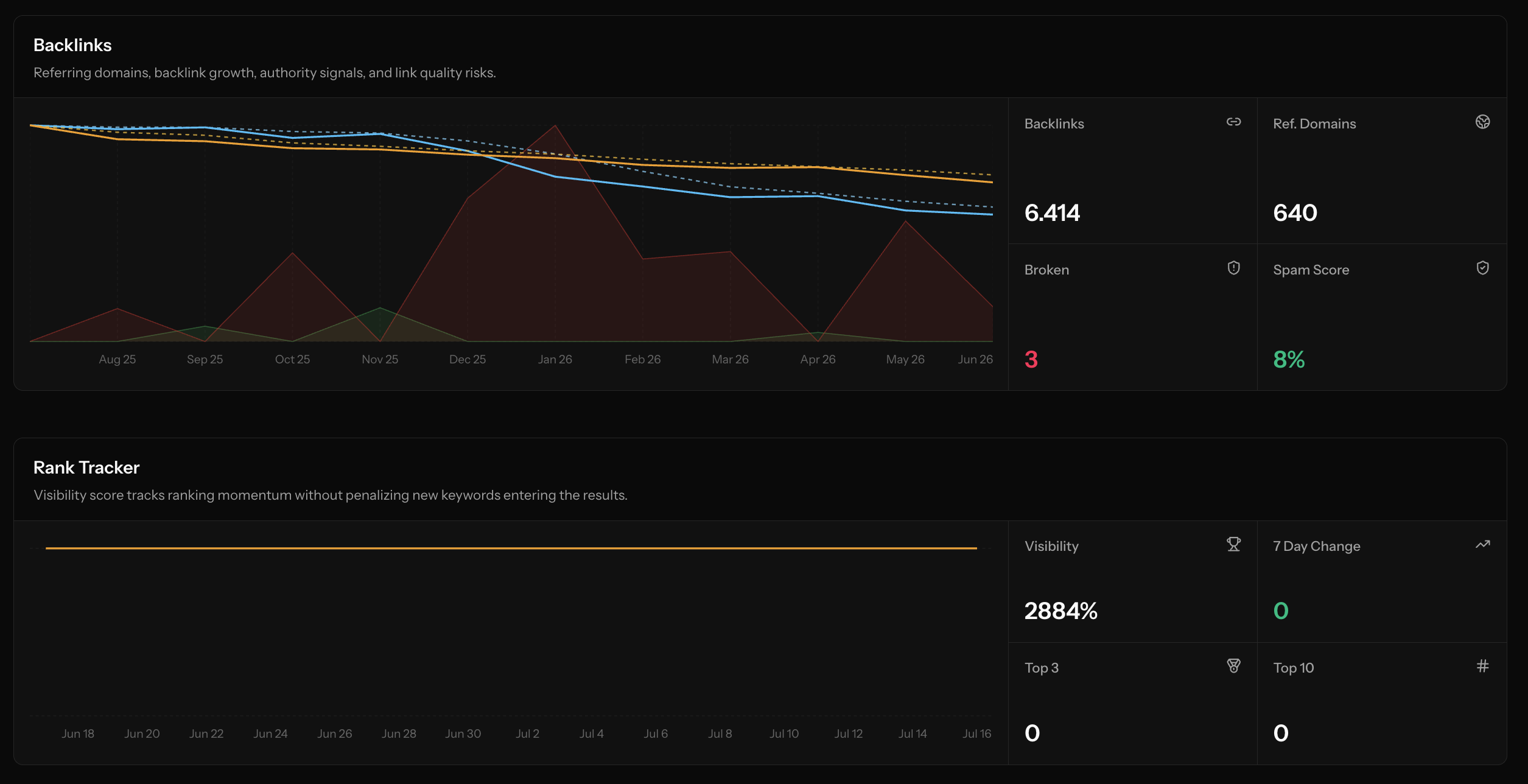
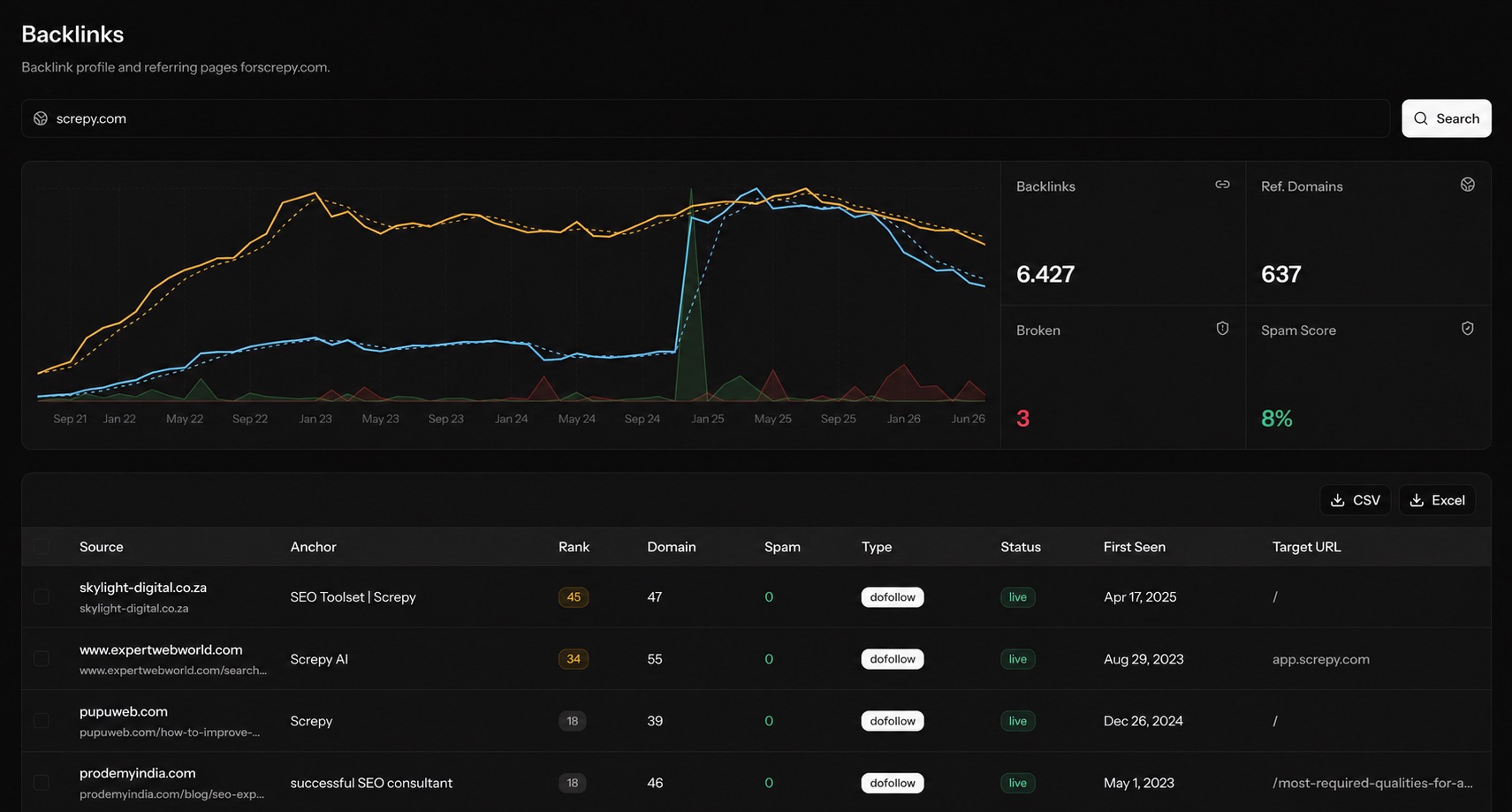
Screpy brings audits, monitoring, reporting, content creation, and rank tracking into one visual system. Scroll through a few of the product surfaces I worked on.
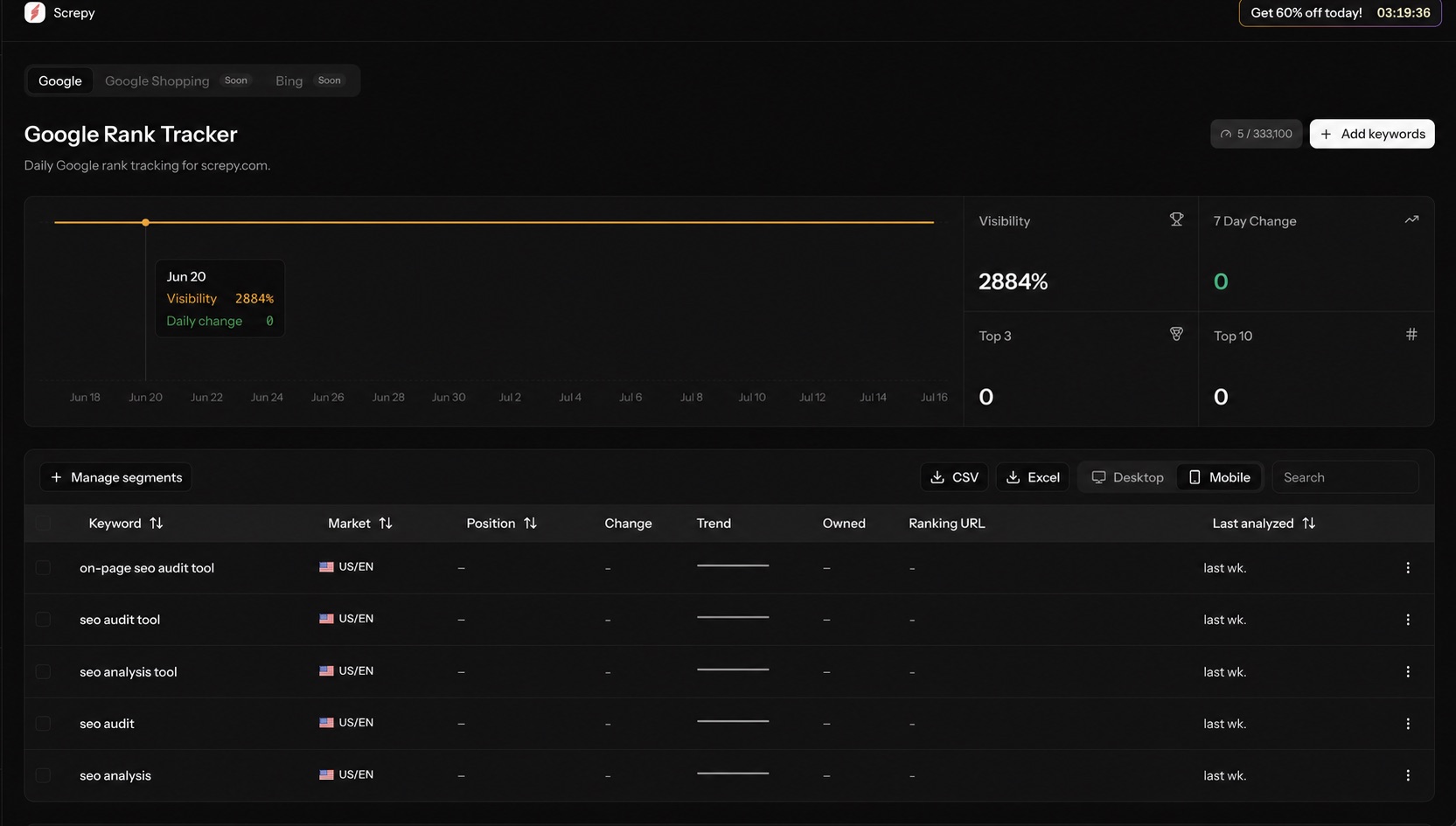
One Rank Tracker held every keyword, but users needed to understand different parts of a website separately.
A broad keyword view could not quickly answer focused questions such as “How are our product pages performing?” or “What changed across localized content?” Repeating filters and cleaning exports added friction to an otherwise recurring task.
Let users reflect the way their website is already organized: blog, products, languages, or markets.
Make the effect of a rule visible so users can catch an empty or overly broad segment early.
Apply the selected segment consistently to keyword rows, summary cards, trends, and exports.
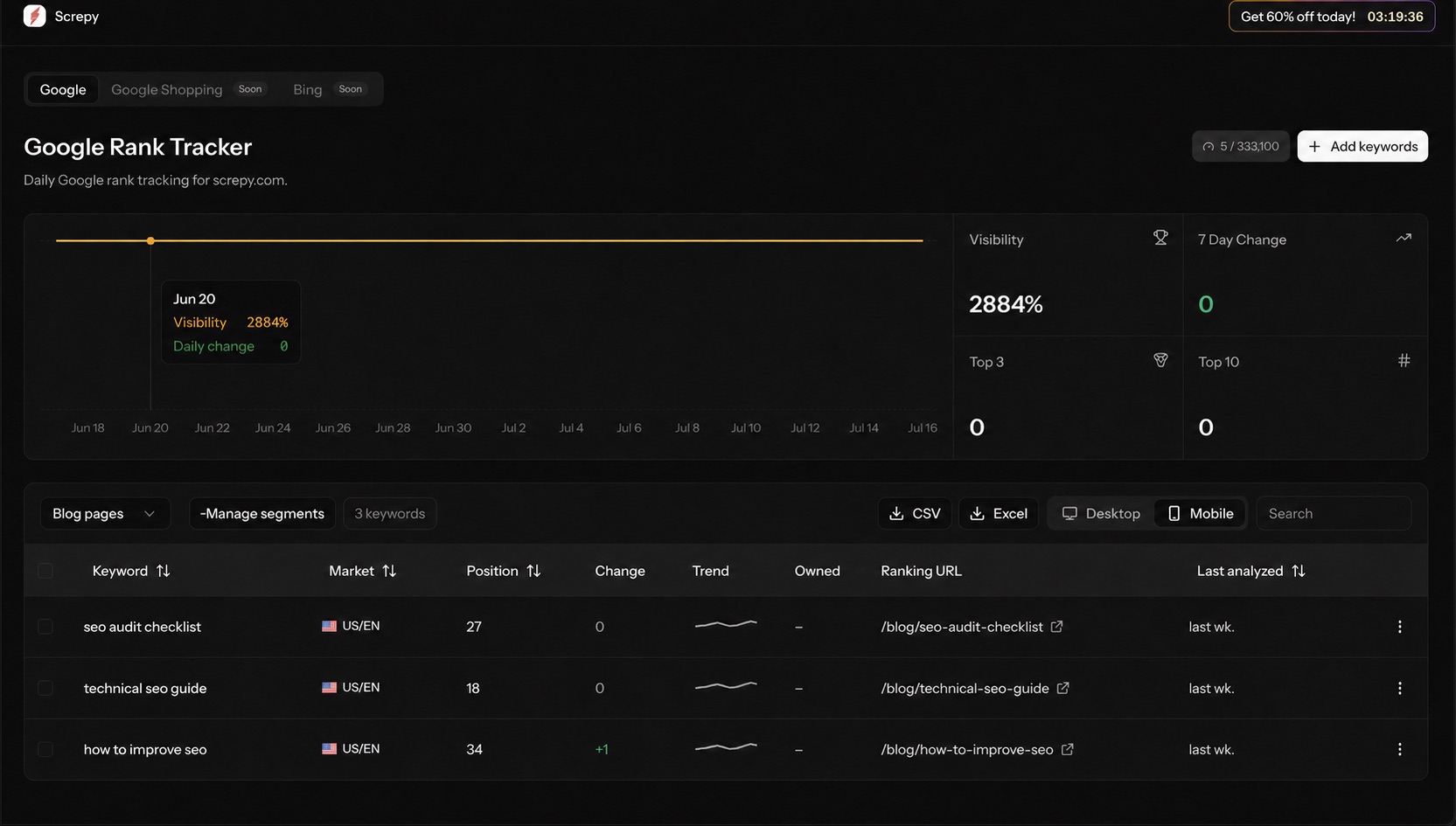
Segment management lives inside Rank Tracker, close to the keyword table and export actions. Users do not need to leave the analysis context to create a focused view.
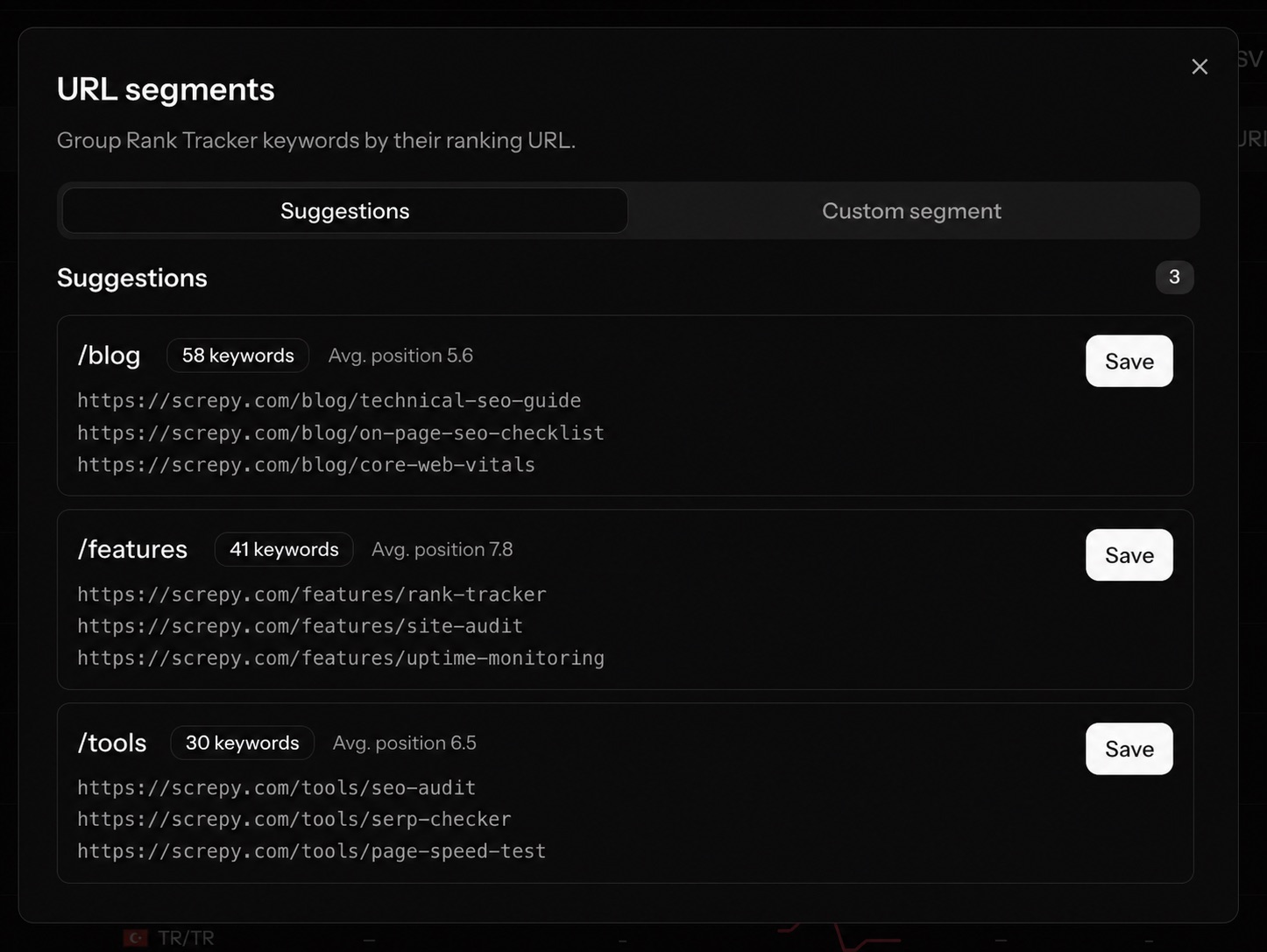
Detected URL patterns turn existing ranking data into practical starting points. Users can review the matched keywords and average position, then save a relevant page group in one step.
When a suggested group is not enough, the custom flow uses URL logic that matches how websites are structured. Users can name the segment, define its rule, preview the result, and save it without moving between separate steps.
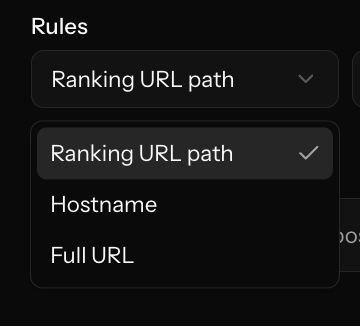
Choose the part of the ranking URL to evaluate.
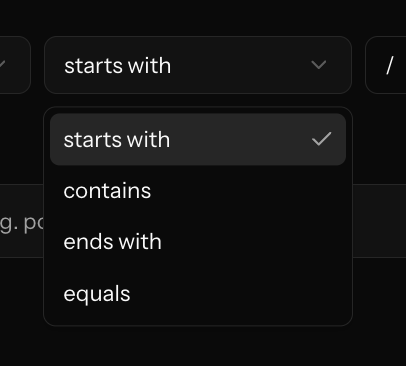
Use a matching condition that fits the site structure.
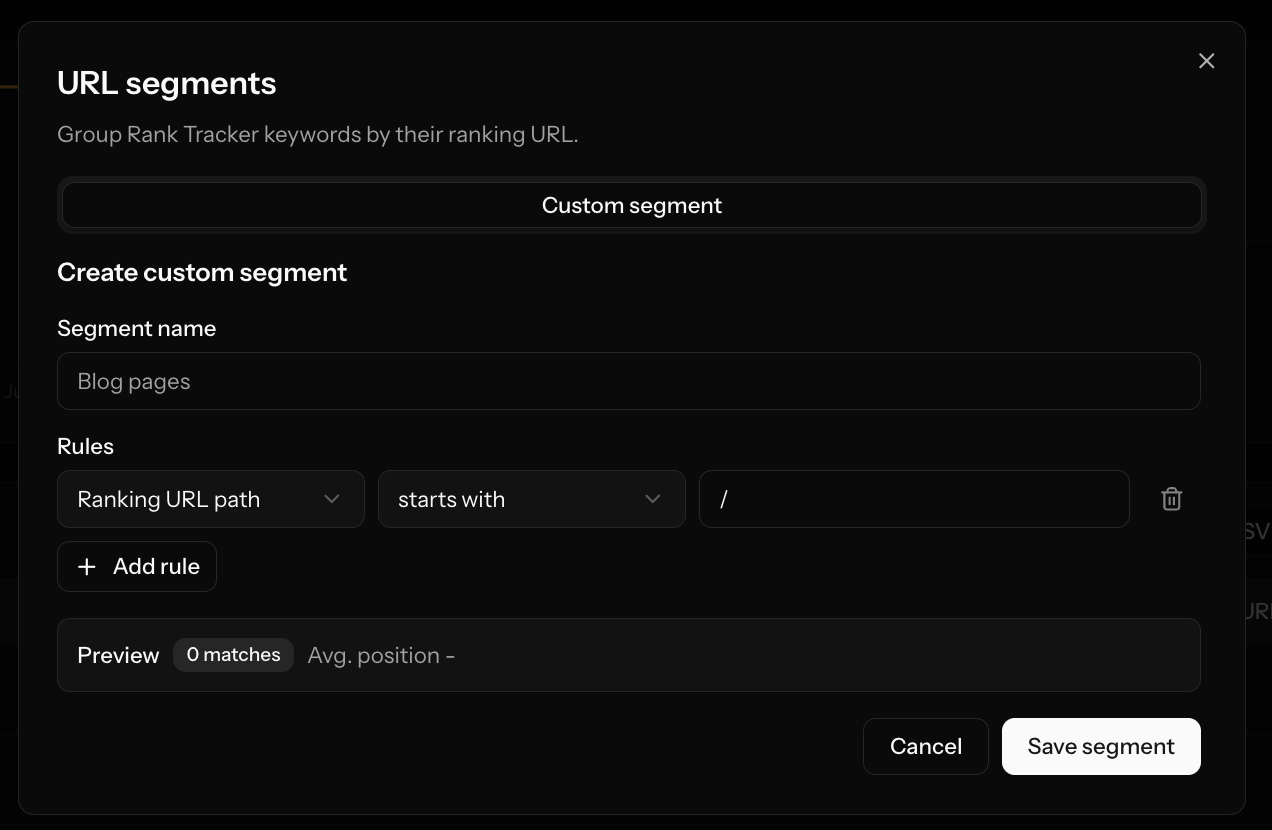
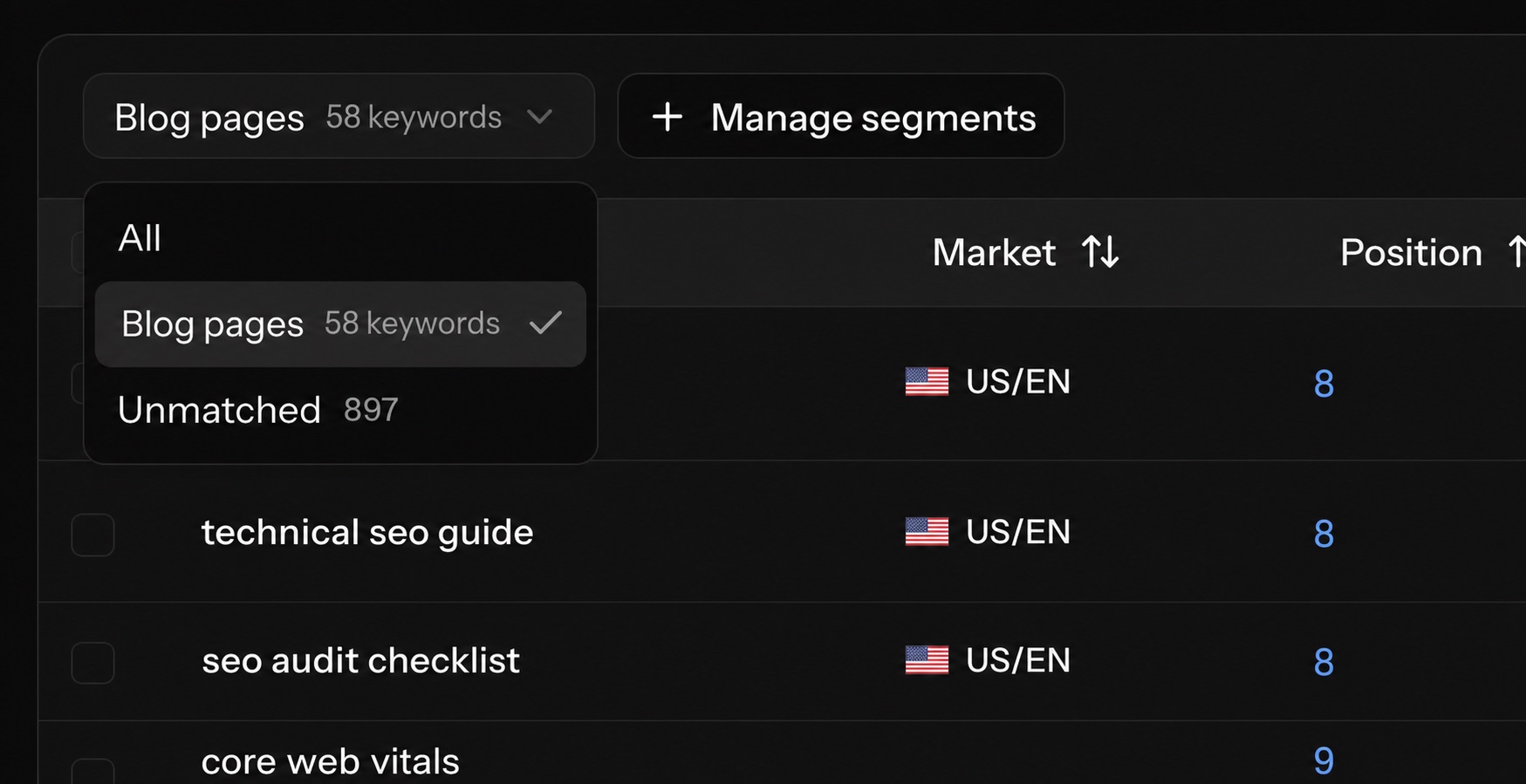
Once saved, the segment becomes part of the Rank Tracker workspace. The selected page group stays visible, while its matching keywords remain ready for focused analysis.
Rank Tracker Segments introduced a persistent way to analyze different parts of a website. Users can begin with a suggested URL group or create their own rules, preview the matching keywords, save the segment, and return to the same focused view later.